Two solar cables can have connectors that look almost identical and still belong to different electrical arrangements. Before pairing a portable panel with a power station, check the numbers and the manufacturer's compatibility instructions, then check the physical connection.
This is a document-reading task, not an invitation to experiment with live leads. If you cannot establish that the panel, cable, and station work together within their published limits, leave them disconnected and ask the manufacturers for a clear answer.
Identify the exact equipment first
Write down the power station's model and regional version, the panel's model, and the cable or adapter you intend to use. A family name on the front of a product is less useful than the identifier tied to its manual.
Keep the panel's label and the station's solar-input specifications side by side. Also save the actual cable instructions or compatibility listing, because an accessory sold with a similar-looking bundle may not be the accessory you own.
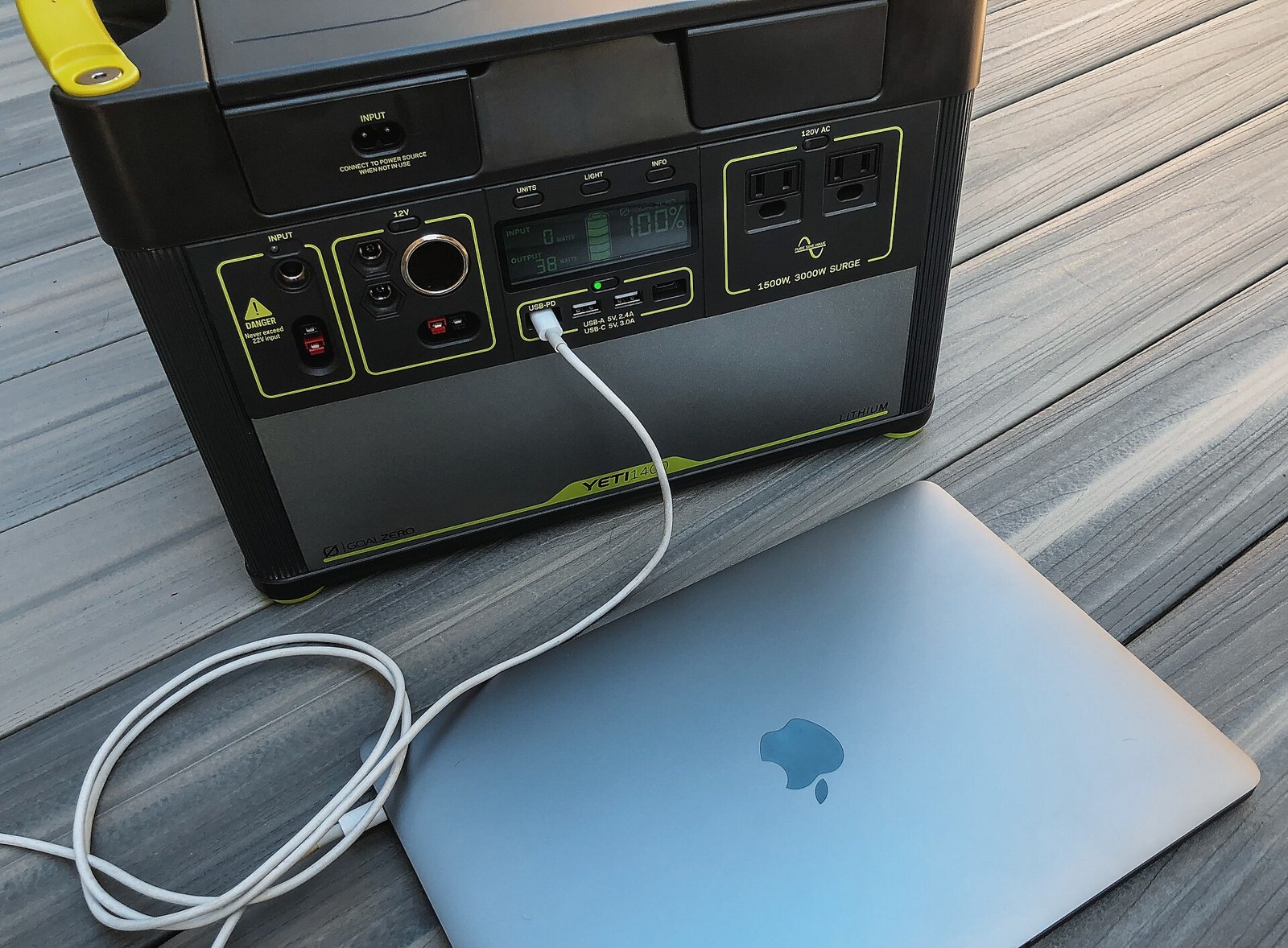
A port labeled DC can serve a specific charging function without supporting every DC source that fits it. Do not infer solar compatibility from the connector shape or from the fact that another owner connected something there.
For example, a photograph of the side of an Allpowers S300 shows several distinct connections, but it cannot establish compatibility with a different brand's panel. The visible hardware gives you something to identify, while the relevant instructions supply the decision.
Online discussions can help you find the right manual, but they should not replace it. A forum success story may concern a different revision, a different cable, or operating conditions that were never recorded.
Read voltage before chasing watts
Panel specifications commonly distinguish open-circuit voltage from voltage at the maximum-power operating point. Those values answer different questions, so a single number advertised as panel wattage leaves out information you need.
Open-circuit voltage, often labeled Voc, describes voltage when the panel is not supplying a connected load under the stated measurement conditions. Maximum-power voltage, often Vmp, describes the operating point associated with the panel's rated maximum power.
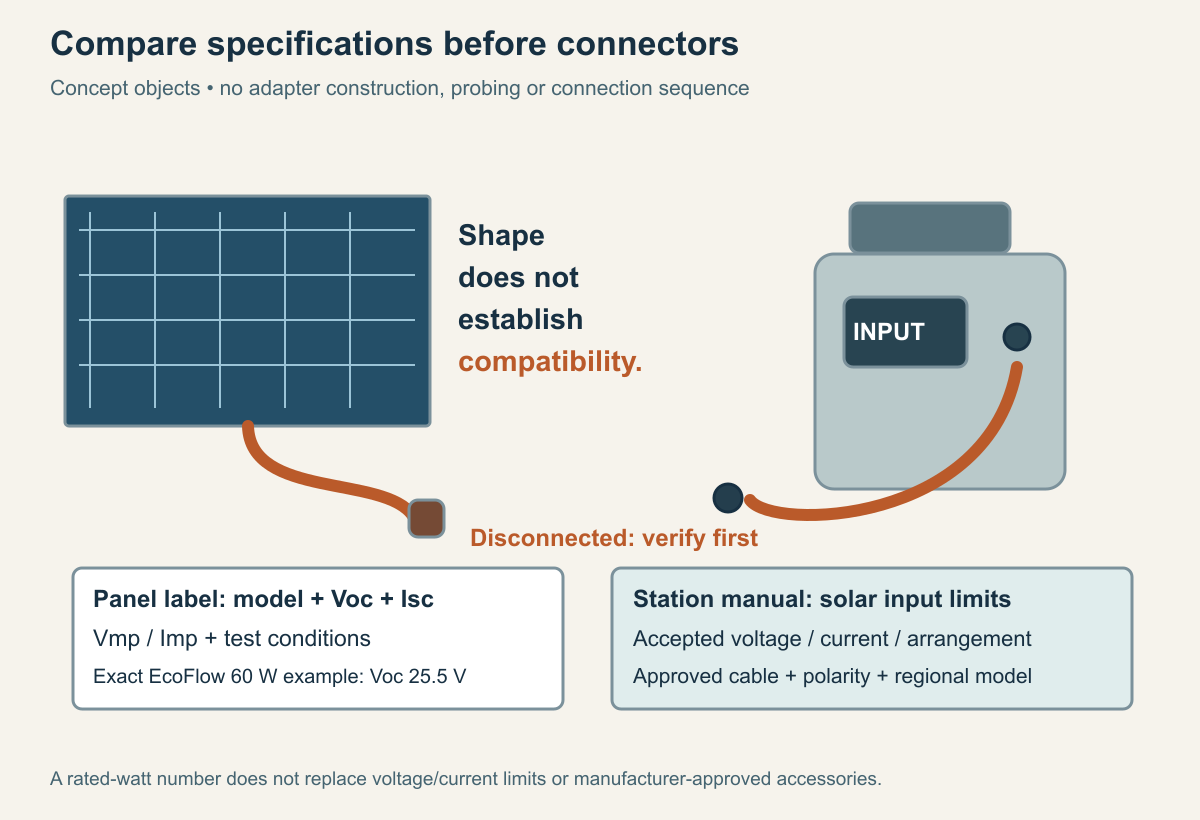
The EcoFlow60 W portable-panel manual gives a concrete example: model EF-Fold-P060-CG lists25.5 V open-circuit voltage and21.9 V maximum operating voltage. Those specifications describe that model, rather than a general rule for all panels sold as60 W.
Read the receiving station's permitted solar-input voltage range and any separate maximum-voltage restriction. The fact that a panel's normal operating figure looks reasonable does not let you ignore its open-circuit figure or other required design checks.
A charging controller may be unable to start charging below its accepted input range. At the other end, exceeding a stated maximum is not a useful way to find out whether the controller has spare headroom.
The same EcoFlow manual warns that panel open-circuit voltage and short-circuit current must remain within the receiving equipment's input range. Follow the exact station's rules rather than borrowing limits from a larger unit in the same product family.
Current and power are separate limits
Look for the panel's current specifications, including short-circuit current and current at its rated maximum-power point. Then compare the required values against the input restrictions and approved arrangements for the receiving equipment.
Some devices may limit accepted charging current under an approved configuration, but you cannot generalize that behavior to every power station. A comment that a controller will simply clip extra power is not permission to exceed an unspecified current limit.
Likewise, a station's maximum solar charging watts do not replace its voltage and current limits. All the relevant restrictions must be satisfied together, along with the approved cable and array arrangement.
As an illustrative calculation,20 V multiplied by5 A is100 W. That arithmetic tells you the power at those hypothetical operating values; it does not certify a20 V panel for a particular100 W input port.
Keep this calculation on the planning sheet as a way to understand specifications, not as a substitute for them. The manufacturer's accepted combinations and limits remain the controlling information.
Adapters solve shape only when the rest also matches
A cable or adapter has an electrical arrangement as well as a shape, including its intended polarity and application. Buying one because the two ends fit can hide the very mismatch you were trying to solve.
Use the cable or adapter explicitly approved for the identified panel and station, or obtain written compatibility guidance from their manufacturers. Include the exact accessory model in that question rather than asking whether the brands generally work together.
Do not cut connectors off, reverse leads, or assemble an unapproved adapter to make a product fit. This article does not provide a live-measurement procedure or a way to bypass incompatible input hardware.
Even connector names can be used loosely in online listings. Compare the actual accessory documentation and the product identifiers instead of relying on a seller's photograph or a title full of compatible-brand names.
Check the cable for visible damage and follow the equipment's connection and disconnection instructions. A connector that has already overheated, cracked, or collected contamination needs the appropriate manufacturer response, rather than another attempt at charging.
More panels change the design question
Connecting additional panels is not just a way to make the same setup charge faster. It creates a new array whose electrical characteristics must be checked against the station's accepted configurations.
For identical panels under a simple theoretical arrangement, series connection adds voltage while parallel connection adds current. That principle helps explain why changing the arrangement can cross a different input limit, but it is not an assembly instruction.
Real equipment instructions may restrict panel count, pairing, connectors, accessory hardware, or configuration in ways that this short explanation does not capture. Mixed panels make a casual calculation even less reliable.
Temperature also matters to the voltage check, which is why the panel's stated test conditions and manufacturer guidance belong in the comparison. Do not assume a warm-day reading establishes the highest voltage the arrangement could present.
If your proposed array is outside the station manufacturer's listed configurations, ask for a documented compatibility determination. A portable product marketed for easy setup still has limits that should be resolved before you connect it.
Keep a compatibility sheet with the equipment
A useful sheet contains the panel's full model, its relevant voltage and current figures, and the station's accepted solar-input limits. Add the approved cable identifier and the specific configuration that the documentation permits.
For each entry, note where you found it and the manual revision or date if supplied. A saved link is convenient, but a local copy or paper note can help when internet access is poor at a campsite or during an outage.
Mark any unanswered question plainly, such as an unclear regional version or an adapter with no documentation. Treat that unresolved entry as a reason to pause the pairing, rather than filling the gap with a likely value.
Keep the sheet with the cables so another person can tell which accessory belongs to which device. This is especially useful when several similar DC cables accumulate in the same storage bin.
Once compatibility is established, charging performance remains a separate subject. A correctly matched setup may still produce less than the panel's nameplate watts because of sunlight, temperature, placement, and the station's charging behavior.
If charging is unexpectedly low, return to the verified arrangement before changing hardware. Accurate identifiers and a clear record give manufacturer support a much better starting point than a photograph of an unknown adapter.
Sources and scope
Sources checked October 14, 2026. This guide uses documented information; it does not claim independent product testing or professional inspection.